




Quick access
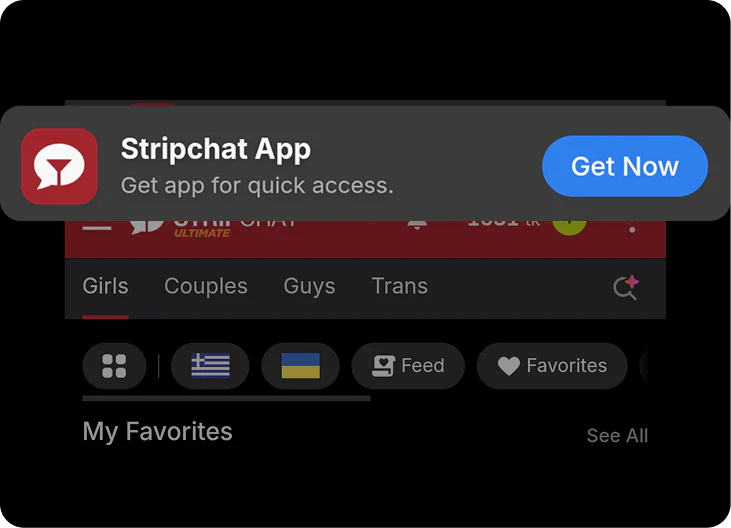
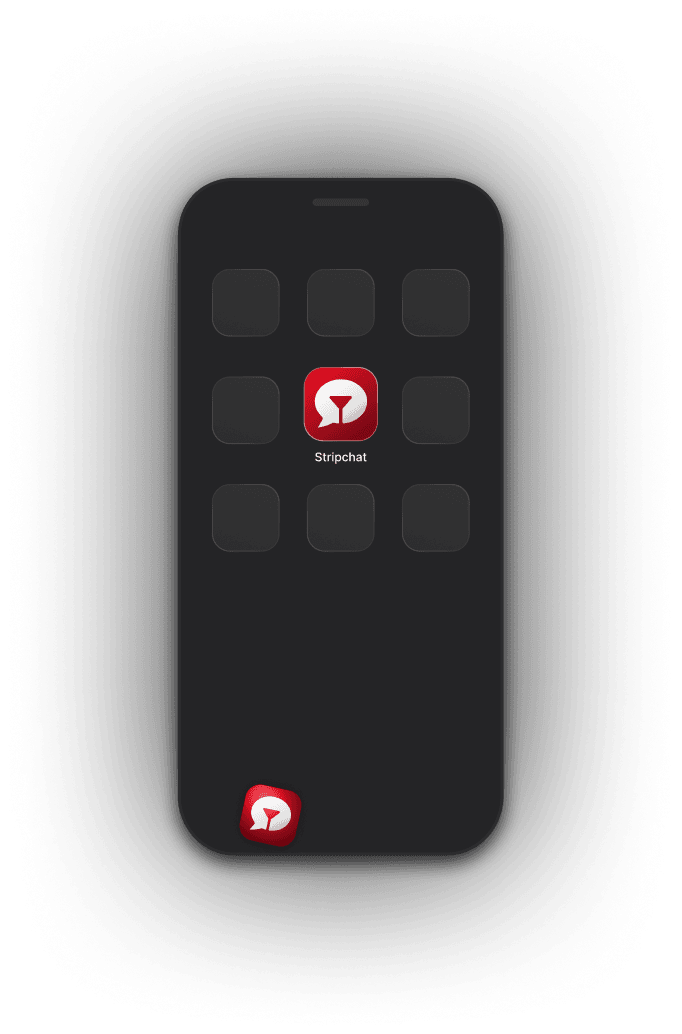
Open Stripchat straight from your home screen.
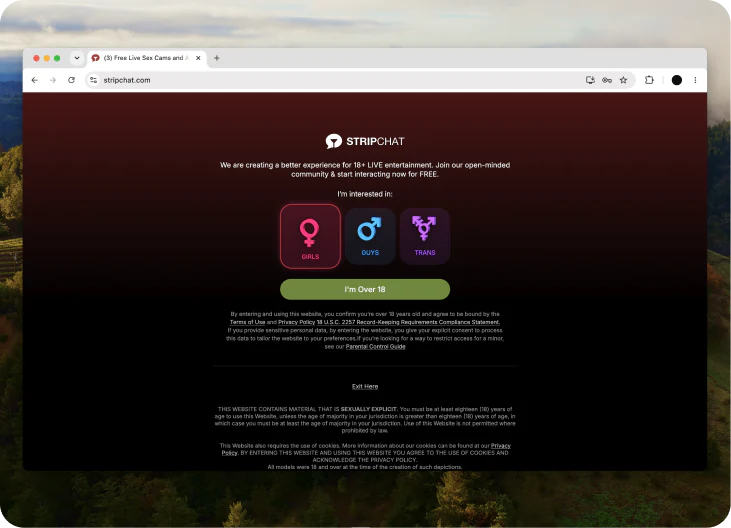
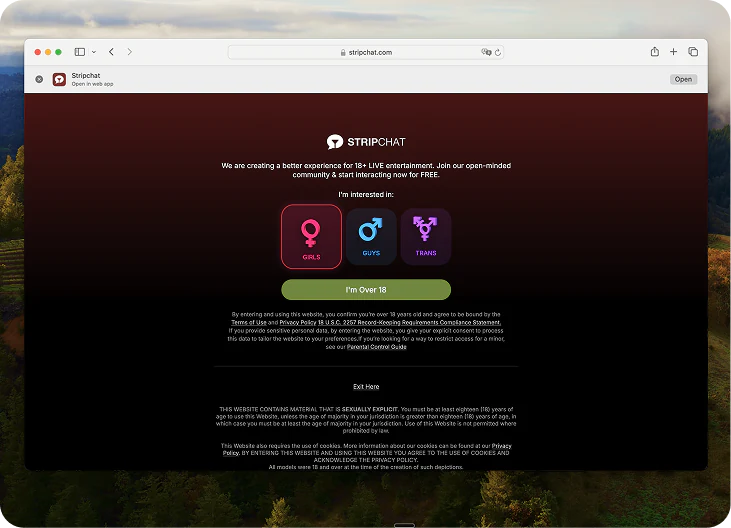
THIS WEBSITE CONTAINS MATERIAL THAT IS SEXUALLY EXPLICIT. You must be at least eighteen (18) years of age to use this Website, unless the age of majority in your jurisdiction is greater than eighteen (18) years of age, in which case you must be at least the age of majority in your jurisdiction. Use of this Website is not permitted where prohibited by law.
This Website also requires the use of cookies. More information about our cookies can be found at our Privacy Policy. BY ENTERING THIS WEBSITE AND USING THIS WEBSITE YOU AGREE TO THE USE OF COOKIES AND ACKNOWLEDGE THE PRIVACY POLICY.
All models were 18 and over at the time of the creation of such depictions.
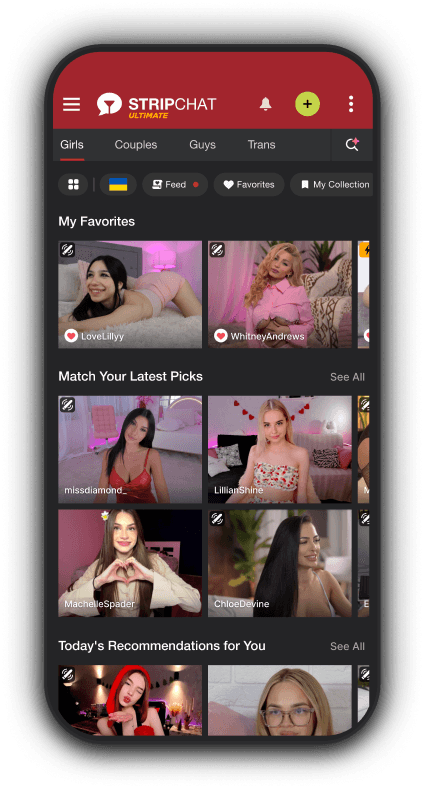
Get the Stripchat app as a shortcut and launch it straight from your device.
Scan the QR code to install Stripchat in a few quick steps.


Saves storage on your phone without giving up any of the Stripchat experience.
Open Stripchat straight from your home screen.
Get notified when models go online or messages you.
Keep your activity off your browser history.
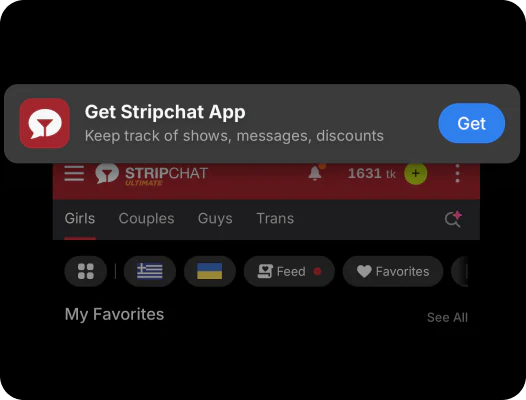
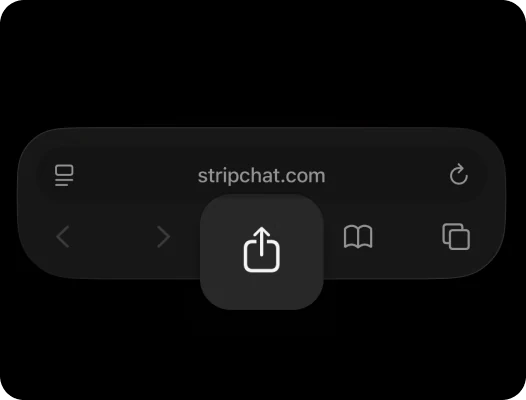
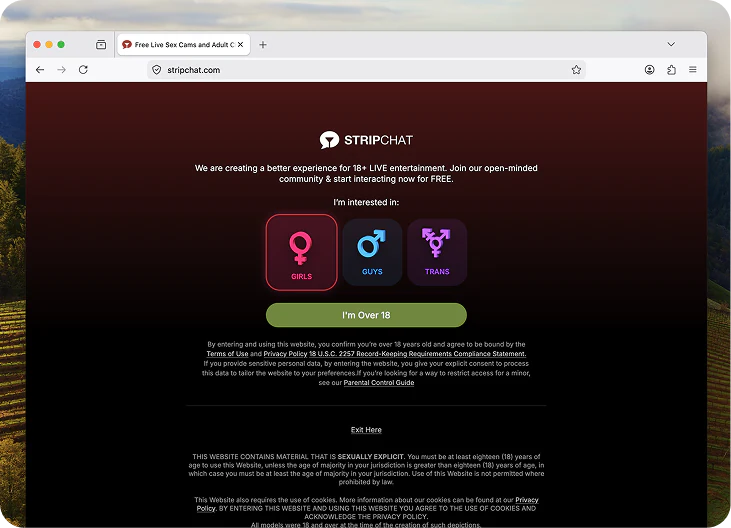
Use the browser bar to open the Stripchat page.

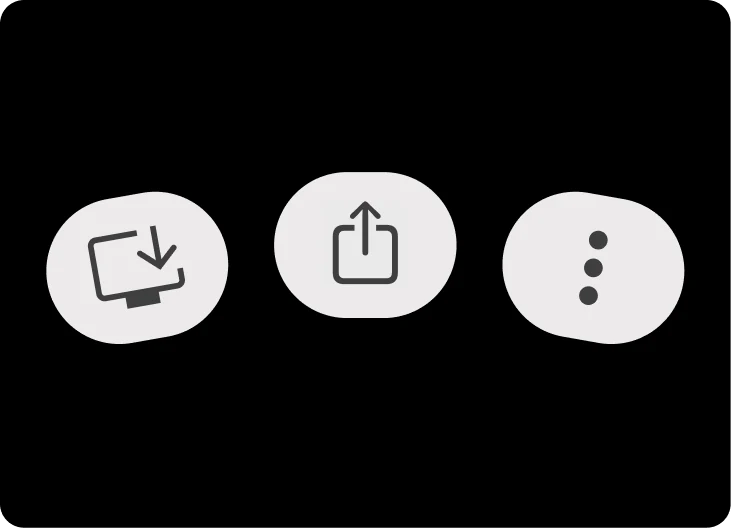
Find the iOS Share button in the toolbar.

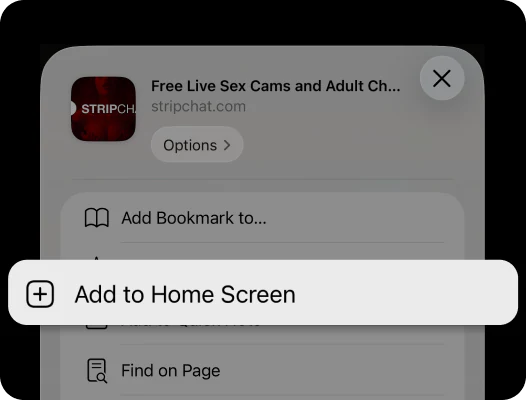
Choose Add to Home Screen and confirm the icon.

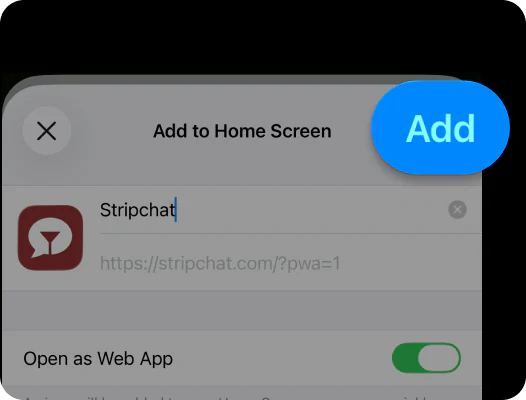
Confirm the name and tap Add.

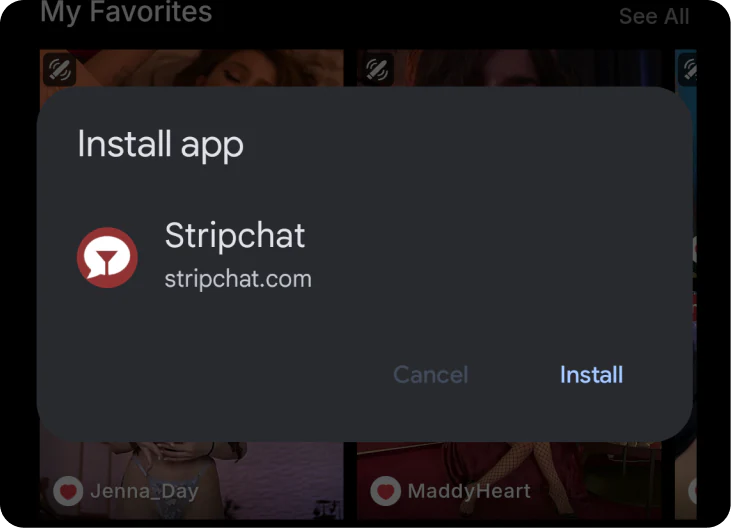
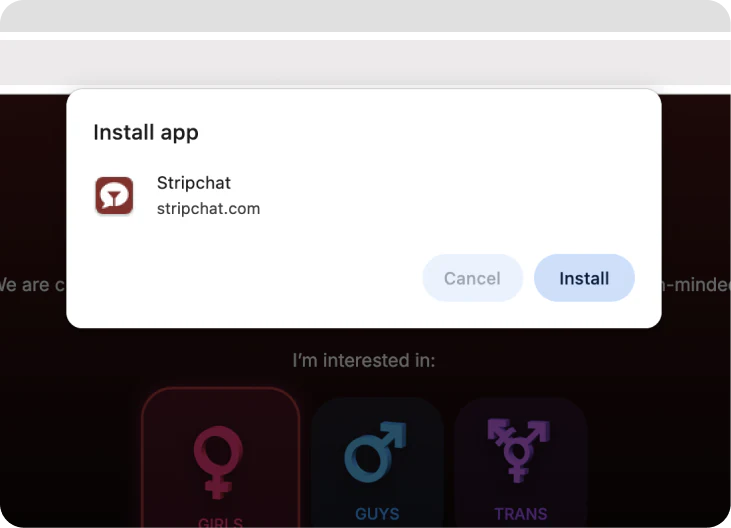
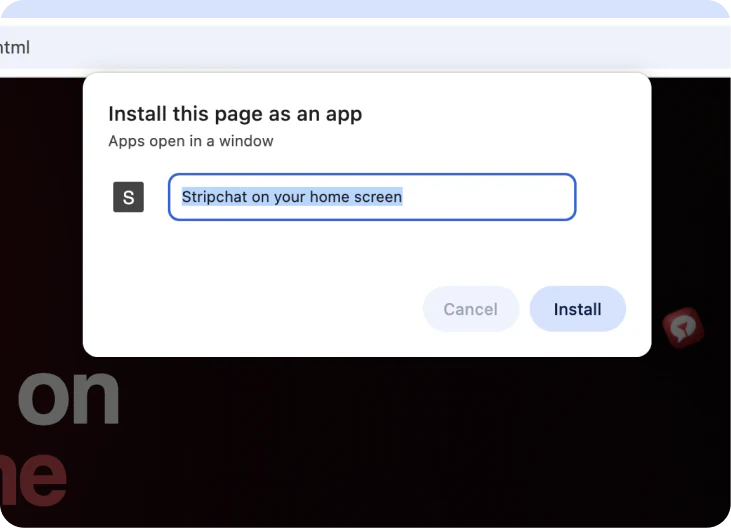
Open Stripchat in Chrome and wait for the install prompt to appear.

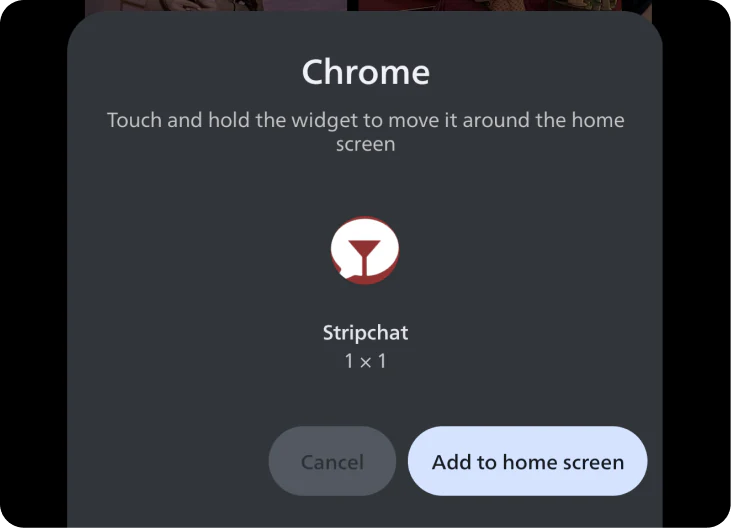
When Chrome shows the install window, tap Install to continue.

Confirm the icon and place Stripchat on your Android home screen.

Open Stripchat in Chrome on your desktop.

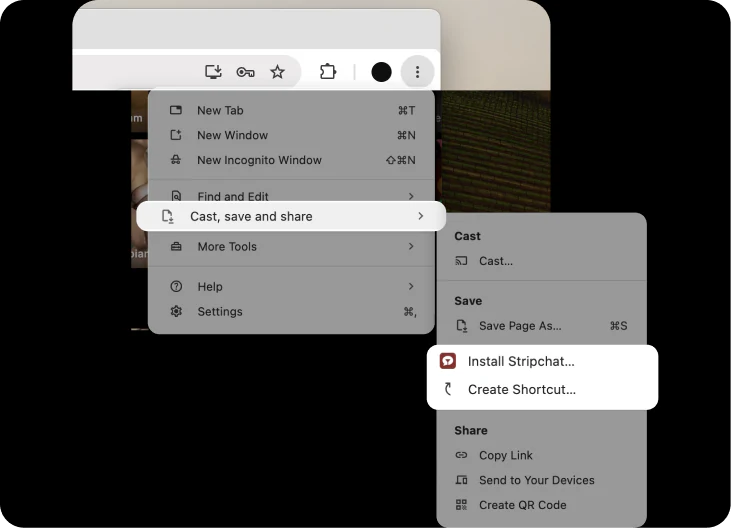
Use the install icon in the address bar. If it isn’t visible, open the menu and choose Install page as app.

To install the web app, follow the on-screen instructions.

Open Stripchat in Safari on Mac.

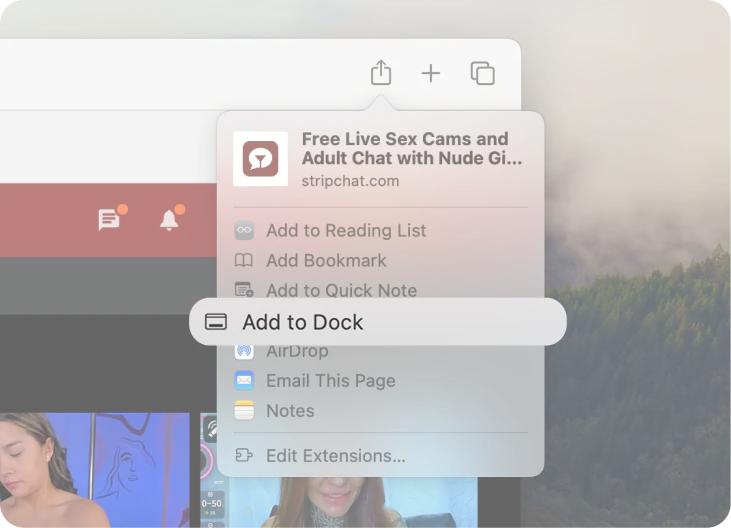
Click Share, then choose Add to Dock.

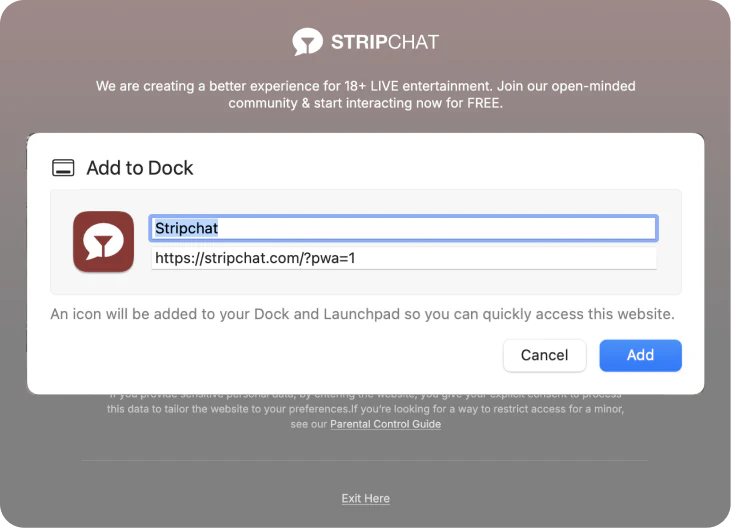
Follow the on-screen steps to finish adding the web app.

Open Stripchat in your preferred desktop browser.

Look for install, Add to desktop, Install app, or similar browser options in the address bar or menu.

If installation is supported, follow the on-screen instructions to finish setup.
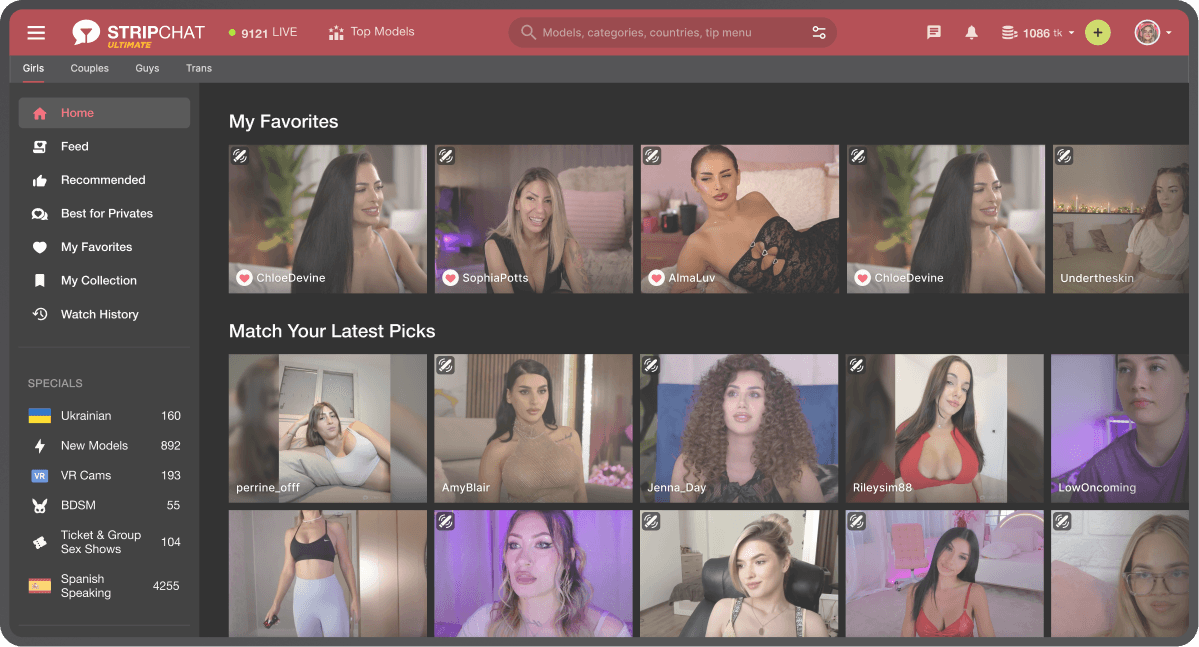
By installing our web app, you get access to a trusted webcam platform with 10,000+ models and join millions of users around the globe.
10K+
Always-on live selection makes the shortcut feel worth keeping.
625M+
Instant proof of demand before users even scroll much further.
10+
A decade of recognition makes a simple shortcut feel safe.
The best reactions are specific: faster return, cleaner access and a more app-like feel on mobile.
★★★★★
“Feels like a real app now. I hit the icon and I am back in right away.”
★★★★★
“My phone’s basically full all the time, but the shortcut takes up next to nothing”
★★★★★
“Way smoother than typing the site every time. One tap and it opens clean.”
Not exactly. The Stripchat mobile app experience is delivered through a home-screen shortcut, so you get the same look and feel as the Stripchat application, without an install process or the storage hit.
No. There's no need to download a Stripchat APK, visit an app store, or run an installer. You just save Stripchat to your home screen and the shortcut handles the rest.
Yes, and desktop too. The Stripchat app for iPhone, the Stripchat app Android version, and the desktop Stripchat application all work the same way: a clean shortcut, no app store, no APK. On desktop, you can install Stripchat from the install icon in your browser's address bar. On Safari, from the Share menu.
The shortcut opens Stripchat in its own window, so it feels like the Stripchat mobile app rather than a browser tab.
It's the fastest way to get the Stripchat app on your phone or desktop. No need to search "how to download Stripchat app" or look for a Stripchat free download. You get the Stripchat app iOS experience on iPhone and the full app on Android, with none of the install hassle.
Scan the QR, then follow the quick steps to get the Stripchat app on your home screen.